
Your content took years to build.
Protect it in seconds.
Vault sits between educators and students. Upload material, define who sees it, and let Vault handle secure delivery, access enforcement, and full audit trails.
Your content took years to build. It can leak in seconds.
Lectures leak the moment they leave the room. Screens get captured, credentials get shared, and paid content ends up in messaging groups. One student pays — multiple students receive the content.
Recordings leaked
Pushed to chat groups within minutes of release.
Shared logins
One paid seat quietly serves an entire batch.
Screen capture
Screenshots and screen recorders redistribute material.
Zero visibility
No record of who watched, downloaded, or forwarded.
Sri Lanka had roughly 29.3 million active cellular connections in early 2025 — mobile is already the practical foundation for delivering educational content, with or without proper access control.
The cost of doing nothing
Every unsecured release compounds. Three measurable costs erode margin, capacity, and growth.
Revenue leaked
Paid courses get redistributed for free, erasing margin from every enrolled student.
Adoption stalled
Educators hold back from online and hybrid models out of fear their material will spread.
Operations manual
Staff burn hours chasing access, revoking logins, and policing shared content by hand.
“One student pays. Multiple students receive the content.”
Content delivery should not mean losing control.
Existing tools were built for other jobs, not academic content distribution — each fails at a different point.
WhatsApp & Telegram
- Files forwarded instantly
- Difficult to remove access later
- No student-level access control
Google Drive
- Links shared outside the group
- Access management fails at scale
- Payment status disconnected from access
YouTube alone
- Unlisted links still get shared
- No institute-level student management
- Can't pause an individual student
Traditional LMS
- Complicated for smaller institutes
- Foreign-currency subscriptions
- Limited local onboarding & support
Education is digital-first. Security is not.
Existing categories were built for other industries, budgets, and workflows. Each fails academic content distribution at a different point.
Too expensive
Enterprise DRM is built for film studios and Fortune 500 IT budgets — not tutors and coaching centres.
Too broad
Full LMS platforms drown educators in grading, assignments and workflows they never needed.
Too narrow
Video-only protection tools ignore notes, decks and the rest of the academic library.
One secure place for your educational content.
Vault lets institutes and educators securely organise, distribute and control access to learning resources. Simple for the institute. Convenient for the student. Controlled at every stage.
For the institute
Web dashboard
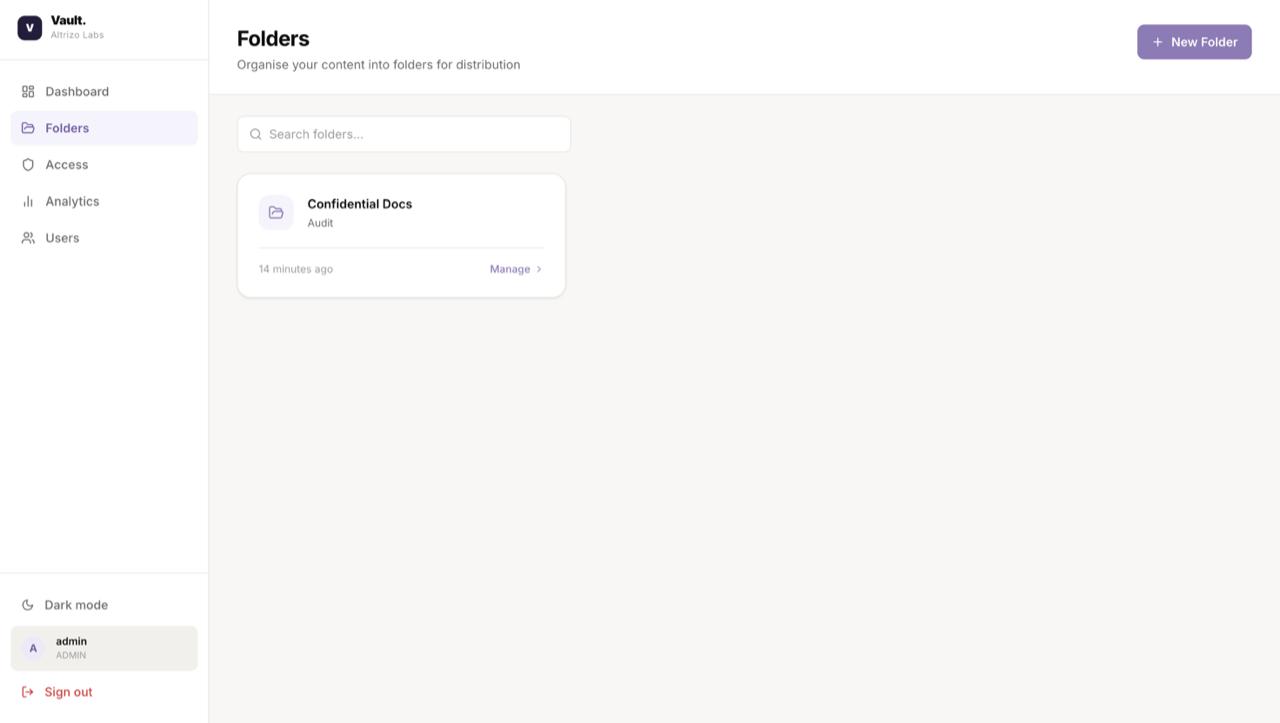
Manage students, organise content, grant access, set expiry dates and monitor activity — all from one admin console.
For the student
Mobile application
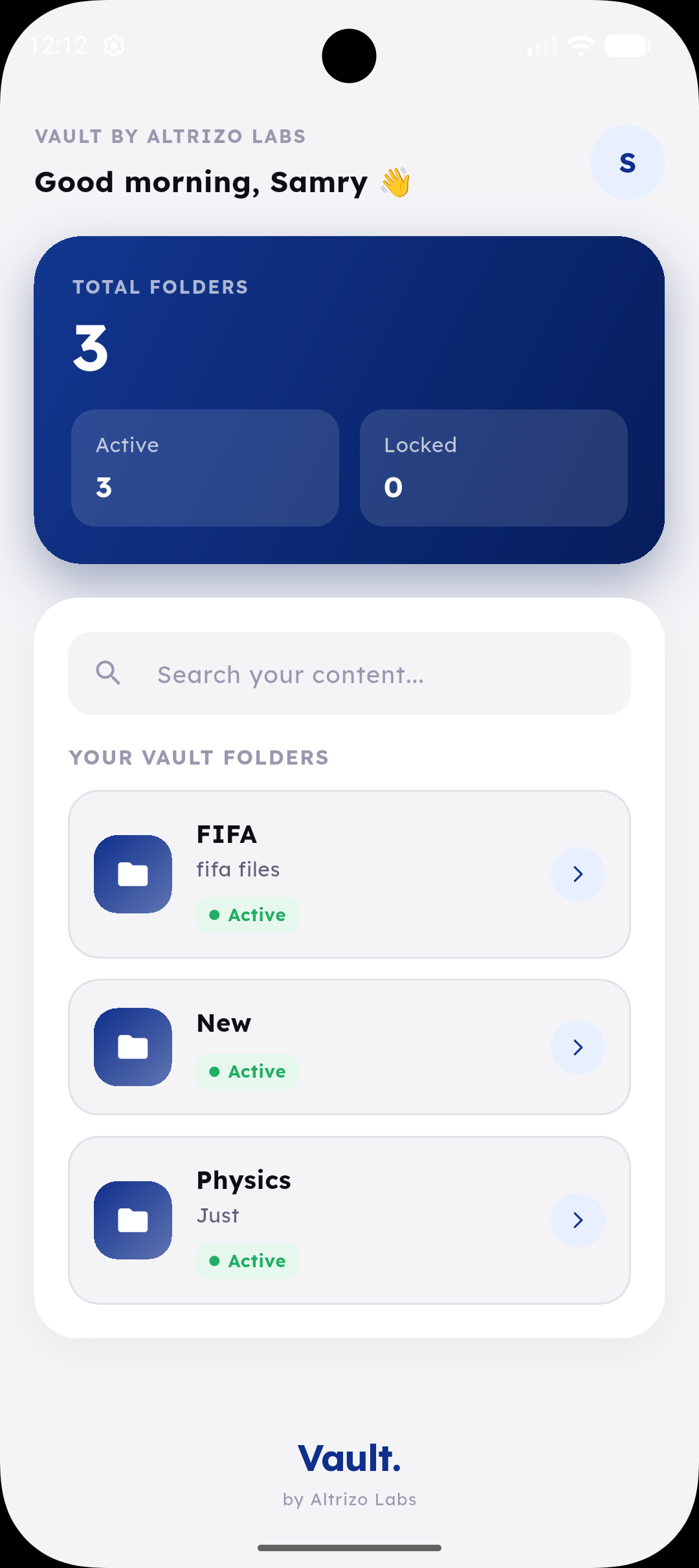
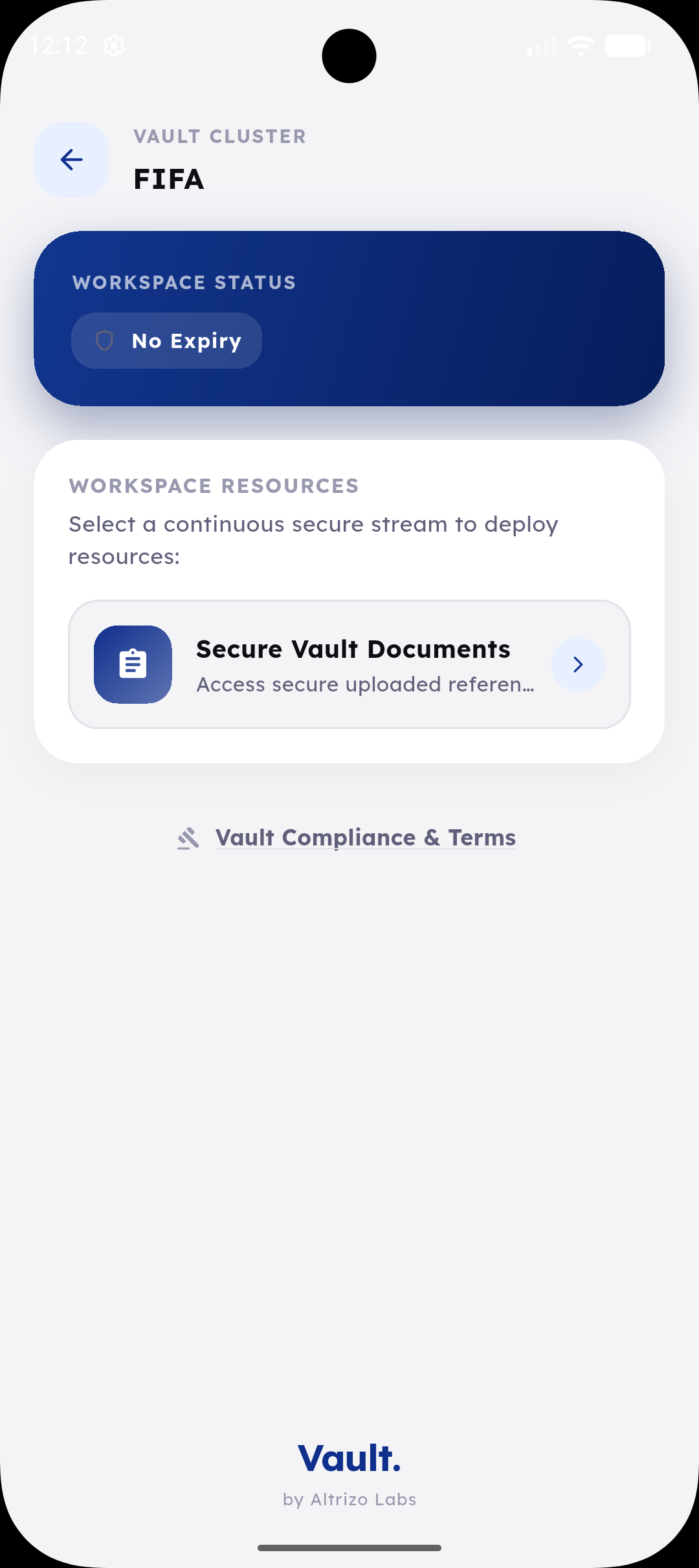
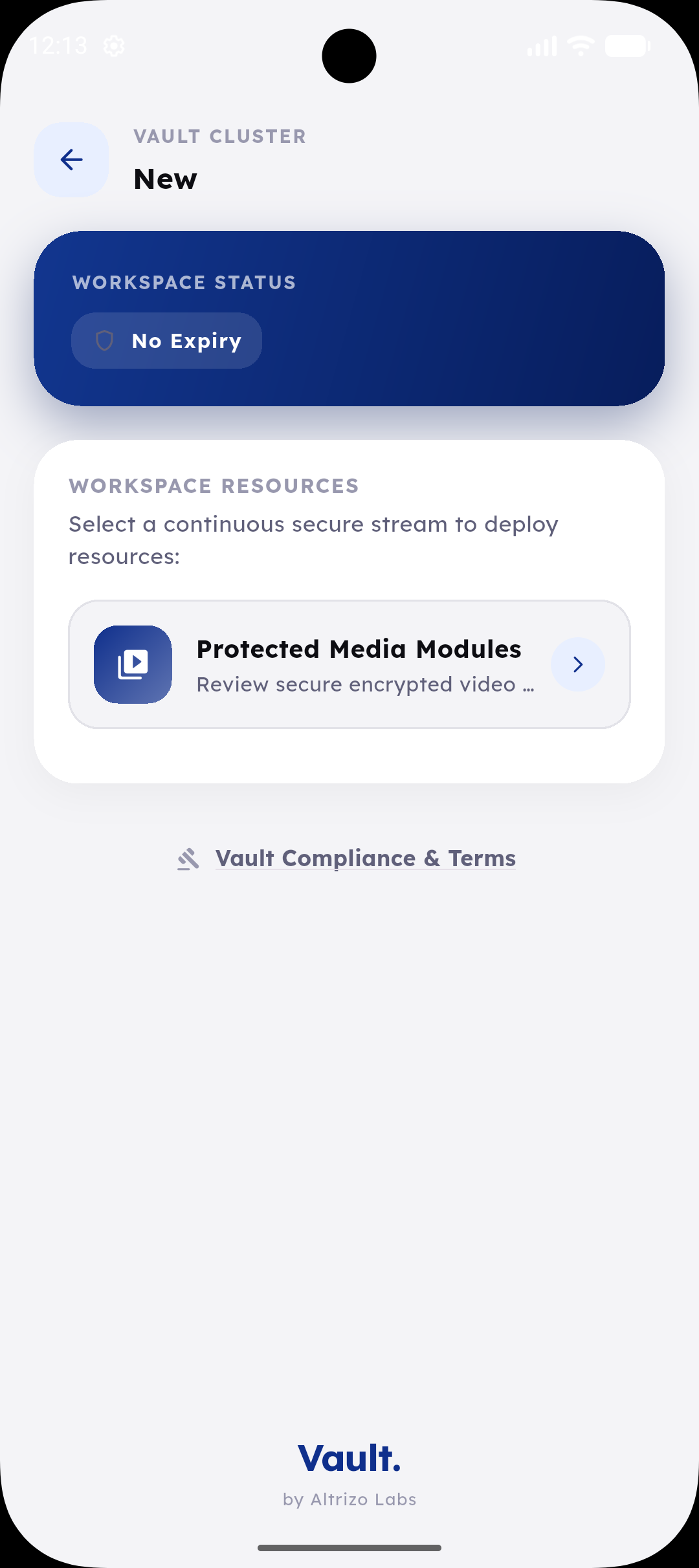
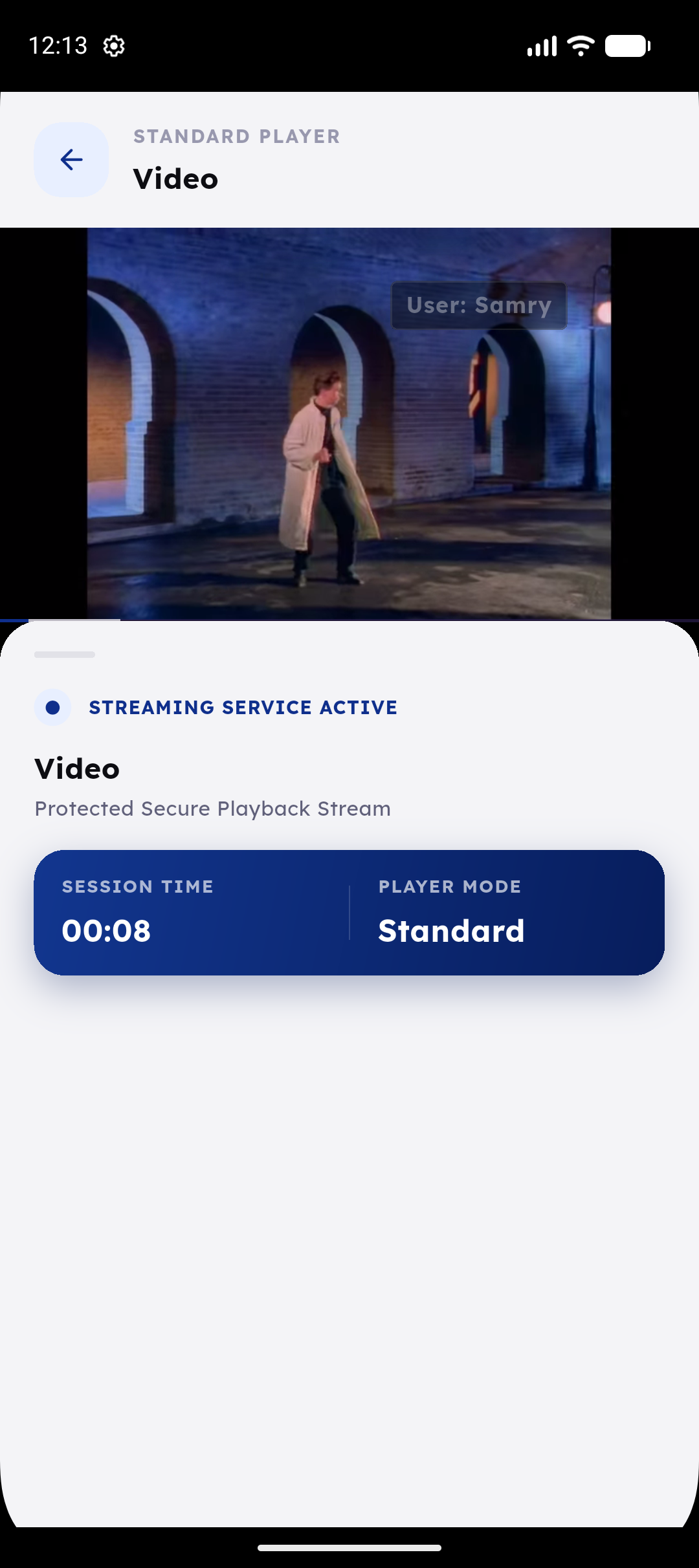
Students securely access only the content assigned to them, through their individual credentials.
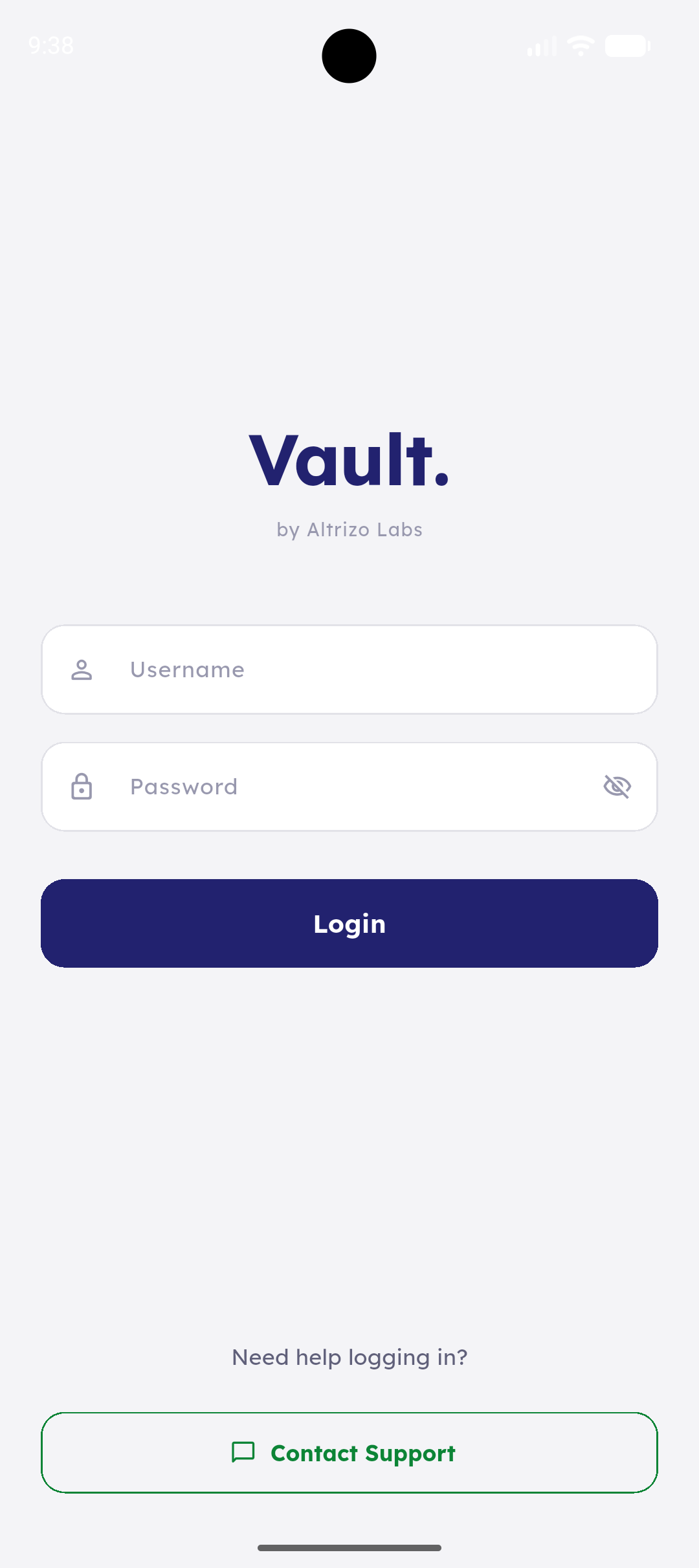
The student experience
One login. Everything the student is authorised to see, organised and protected.
The institute dashboard
Full administrative control — users, access, folders and activity, in one console.
User management
Access control & expiry
Folder organisation
Audit logs & analytics
From content upload to controlled student access.
Create content folders
Course, subject, batch, module, lesson or revision programme — your own structure.
Add your resources
Recorded classes, PDFs, images, documents, past papers and external links.
Onboard your students
Create individual student accounts and assign login credentials.
Select who gets access
Individual students, selected groups, or entire batches.
Control the access period
Set when access begins, when it expires, or revoke it immediately.
Monitor usage
View access activity, login information and content-viewing progress.
Six layers between your lecture and the open internet.
A lightweight LMS alternative — faster to deploy, easier to adopt.
Protection
Screen capture and screenshot defenses on every protected resource.
Access
Permissions bound per student, batch or course — device and session.
Governance
Remote session logout, access revocation and expiry rules in one click.
Visibility
Watch-time per student, view duration and active session monitoring.
Scheduling
Queue lectures and study materials to publish on predefined calendars.
Audit
Every view, login and access change recorded seamlessly for compliance.
Built for educators who sell valuable content.
Private tutors & online educators
Recorded classes, revision programmes and premium resources.
Coaching centres & exam prep
Managing several batches, lecturers and hundreds of students.
Professional education providers
Accounting, IT training, language academies, business and skills-development centres.
Universities & corporate L&D teams
Running structured programmes with videos, notes and controlled resources.
- At least 100 active students
- Produces recorded or premium learning content
- Currently uses WhatsApp, Telegram, Drive or unlisted links
- Has experienced content or credential sharing
- Needs access tied to enrolment or payment
- Wants a professional mobile learning experience
Simple pricing that grows with you.
Priced in Sri Lankan rupees, based on active student accounts — not video storage.
Lecturer
LKR6,900/mo
- Up to 100 students
- 1 administrator
- Up to 15 folders
- One-active-session control
- Basic activity analytics
Onboarding: LKR 15,000
Choose LecturerInstitute
LKR14,900/mo
- Up to 500 students
- Up to 3 administrators
- Up to 50 folders
- Bulk onboarding & access
- Content scheduling
- Watch-progress analytics
Onboarding: LKR 35,000
Choose InstituteAcademy
LKR29,900/mo
- Up to 1,500 students
- Up to 10 administrators
- Unlimited folders
- Custom institute branding
- Dedicated onboarding
Onboarding: LKR 60,000
Choose AcademyEnterprise
Custom
pricing
- 1,500+ students
- Dedicated environment
- White-labelled application
- API & payment-gateway integration
- Service-level agreement
Scoped on request
Talk to usAdd only what you need.
12 months for the price of 10
One-time onboarding fee charged separately.
Go live without disrupting your classes.
30 days · one course or batch · up to 100 students · existing videos & documents · training included